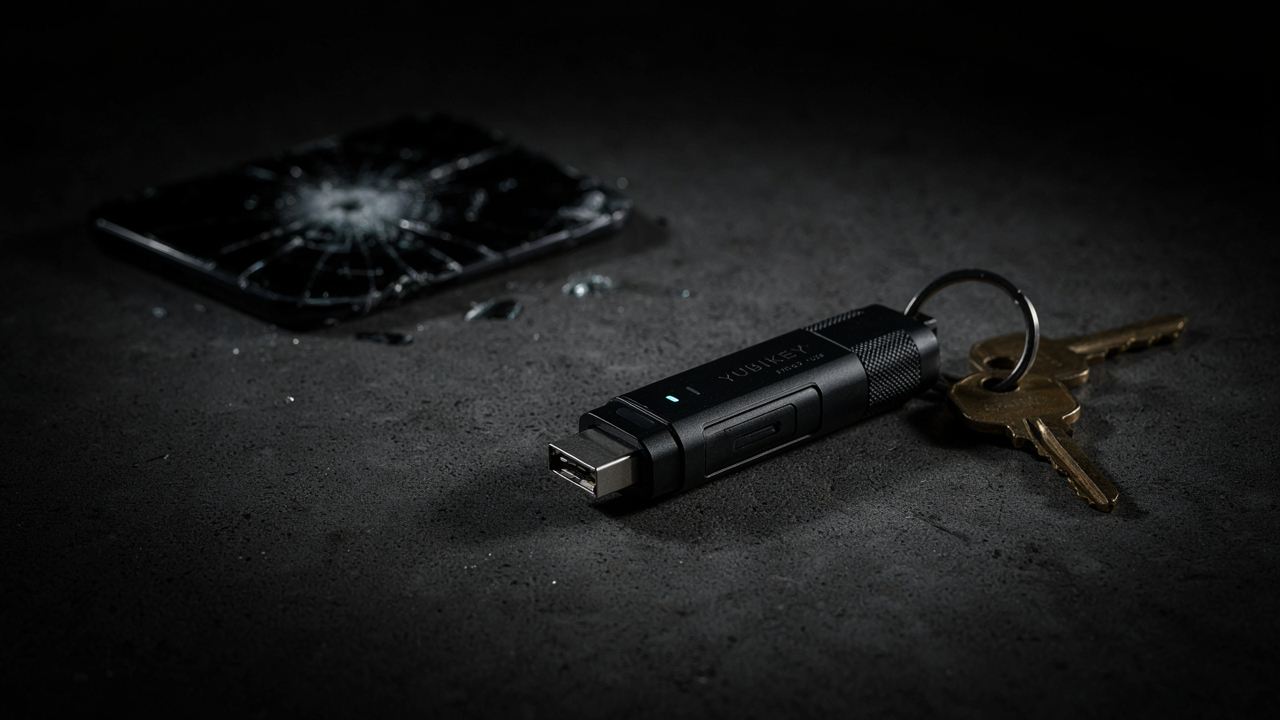
Digital Survival:
Mobile Phone as SPOF (Single Point of Failure)
The constant pressure and need to use a mobile phone to log into services and accounts—from email, social networks (FB, IG, LI…), e-shops, to online banking and communication with state administration, and the rising risk during any problems or loss of the phone—recently pushed me to explore alternative options for access and login.
After a personal experience (when it looked like I would lose access tied strictly and only to a phone and phone number because I couldn’t recharge mobile credit from abroad), my cup of patience overflowed. I decided to find something that will get rid of this dependency on the operator and phone number and give me back my autonomy and control.
I had these requirements:
- No mobile phone or phone number
- Portability between devices (mobile, computer, tablet…)
- No monthly fees or reliance on any provider / operator
- Personal responsibility and autonomy > comfort and dependency
And I found it.
So-called Hardware security keys.
Physical keys to the digital world
Hardware security keys (from now on HW keys) – usually look like a USB flash drive. So they are physical objects that contain digital keys and accesses. They serve for strong two-factor (2FA) or passwordless login to accounts and services, data encryption, storing digital signatures and cryptographic keys.
After exploring options, I had 2 favorites left, which in my opinion offer the best ratio considering universal usability, features and price:
The basic difference between them is that YubiKey is a closed platform and firmware is burned in hard – when updating, you need to replace the key. But use is simple and intuitive. Nitrokey is open source and allows firmware updates on the go without changing the key. Using and setting it up requires a bit of effort and technical skill though. Price-wise, keys cost around 60-70 EUR (approx. 70-80 USD).
Both keys offer a wide variety of uses. From what is possible, I choose the essential:
I. Access via FIDO2 / WebAuthn & Passkeys:
Modern standard for passwordless login using biometrics (fingerprint, face…). Here the key works natively without passwords and without SMS. You just plug it in / touch it to the PC and enter the key PIN.
Use: Google, Microsoft, GitHub, Bitwarden, Cloudflare, AWS, Apple ID, communication with state administration, social networks (LinkedIn, Reddit, Discord, Facebook, Instagram…), some banks and financial platforms.
Note on banks and state administration: Generally speaking, banks usually don’t support login via FIDO2 / Passkeys and still require a mobile app or SMS. FinTech platforms with international reach (e.g. Wise, Stripe…) fully support FIDO2 / Passkeys. In case of communication with state administration, HW keys can be used only if digital IDs exist – for example in Czechia in combination with an electronic ID card (eOP) or using eGovernment mobile key / NIA.
II. Access via OATH-TOTP (Hardware Authenticator):
For services requiring 2FA that support 6-digit time codes. Thanks to this, we won’t need apps on the phone like Google Authenticator and similar ones. The HW key generates time 2FA codes without dependence on a mobile phone.
Use: covers common e-shops, hosting services, and smaller platforms with standard 2FA access.
III. Access via OpenPGP & SSH:
OpenPGP is an encryption standard for securing and signing data and emails. SSH is a network protocol for safe remote control of computers. Here the HW key works as a full smartcard chip for signing, encryption, and SSH access.
Use: Encrypting communication, signing Git commits, logging into remote servers via SSH.
Capacity: With HW keys, you need to count with their limits – for example for Passkeys it’s 100 accesses and for OATH-TOTP it’s 32 (YubiKey) or 100 (Nitrokey). At first look, that would mean they can hold and manage only a limited number of accesses. However, it’s not that bad. If we have a larger amount of accounts and accesses, we save less important accounts in a password manager (e.g. Bitwarden or KeePassXC), which will be the main vault, and on the key itself we will have access to this password manager besides standard accesses. So – No problem.
Protocols / Backups
Two-element protocol: “Two is One, One is None”
The 2-element protocol eliminates reliance on a single physical device or phone number using “double backup” in line with the philosophy “two is one, one is none”. In practice, this means we will have two keys where we save necessary accesses.
1. Primary HW key (EDC / Mobile)
- Role: Everyday authentication.
- Storage: Physically on you (on a keychain or permanently in a laptop).
- Function: Logging into Passkeys, SSH, Bitwarden/KeePassXC, OATH-TOTP codes. If you lose your phone, with this key you log in from any random PC.
2. Backup HW key (Stationary backup)
- Role: Immediate recovery of login if Primary key is lost or stolen.
- Storage: Safe stationary place (home safe, waterproof case, with a reliable person).
- Function: Twin of the Primary key. All services (Google, Bitwarden, GitHub etc.) have BOTH keys registered at the same time from the start.
Three-element protocol: Zero point of failure architecture
The 3-element protocol expands the previous two-element one by spreading dependencies into three independent layers:
1. Primary HW key (EDC / Mobile)
2. Backup HW key (Stationary backup)
3. Master Cold Seed & Backup Codes (Cryptographic bottom)
- Role: Recovery when BOTH HW keys are destroyed or lost at the same time.
- Storage: Offline physical media (printed paper or stamped stainless steel tag) stored separately from the backup key.
- Contents:
- One-time recovery codes (Backup Codes) for primary accounts (Google, Apple, Bitwarden).
- Master Seed / Password manager emergency key.
- PGP / SSH offline backup certificates.
Verdict: Is full independence from mobile possible?
Mobile is convenient, but from the perspective of real-world use, it’s a critical point of failure (SPOF). Purely because it connects too many critical functions under one dependency on a phone number / operator and device. Most situations are fixable of course, but in tougher conditions or outside standard infrastructure we can easily hit limits, and small annoyances can very quickly turn into real problems.
HW keys and their use won’t solve 100% of possible situations and problems (there are still old-school banks and poor state administration digitalization), but they cut off the vast majority of dependency. However, looking at current security trends, in my opinion it’s a very good way to keep a reasonable level of control, security, and independence of access to your accounts and services. Plus backup is easy = creating backup secondary keys for emergency is fast and easy. It also gives a good feeling that the solution is in our hands. And it’s also much cheaper :)
—
From my perspective and based on personal experience, using HW keys is a sensible step toward digital autonomy in today’s world.


